
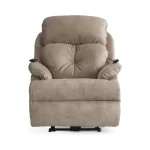
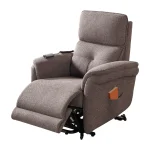
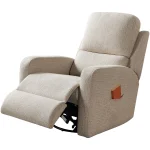
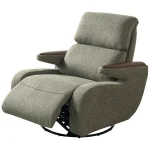
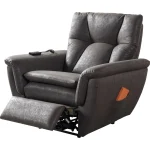
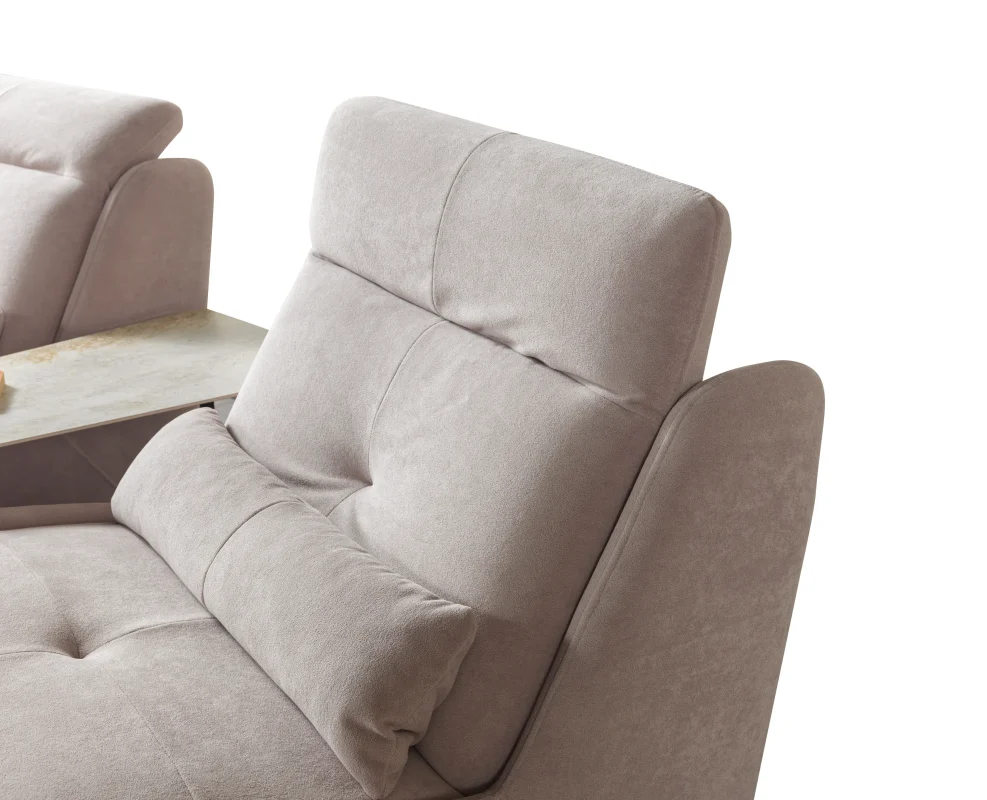
Subtitle: A practical guide for customers, designers, project planners, furniture buyers and international visitors who want to discover CHAIRIUM through its official website.
Finding the right seating solution often begins long before a purchasing decision. Customers may first search for a particular type of recliner, compare different models, review product photographs, investigate available materials or look for a manufacturer capable of discussing a specific project.
For some visitors, the priority is a single recliner for a private residence. Others may be researching VIP cinema chairs, auditorium seating, multi-seat recliner sofas or custom-made furniture for a commercial environment. Architects, interior designers, furniture retailers and project buyers may need a different kind of information, including product dimensions, configurations, catalogues and direct communication with the manufacturer.
CHAIRIUM brings together product collections, model information, project examples, factory information, videos and enquiry channels on its official website. Understanding how these resources connect can make the search process clearer and help visitors reach the information relevant to their requirements.
This guide explains how to explore CHAIRIUM step by step, using the company’s own website and resources.
1. Begin with the CHAIRIUM Homepage
The homepage is a useful starting point for anyone discovering CHAIRIUM for the first time. It introduces the brand, presents selected recliner models, highlights product collections and provides routes to other sections of the website.
Visitors can use the homepage to understand the general scope of CHAIRIUM’s seating offer before moving to individual product pages. Featured models and new arrivals can help visitors identify products they may want to investigate further.
The homepage also connects visitors with the company’s wider resources, including product collections, projects, customization, factory information and contact options. Instead of searching randomly across different pages, visitors can begin here and follow the section most closely related to their needs.
Official starting point: https://www.chairium.com/
2. Use the Product Collection to Understand the Range
Visitors who already know that they are looking for a recliner or cinema seating solution can proceed directly to the product collection. This section provides an overview of the different product series and versions presented by CHAIRIUM.
Browsing the complete collection is useful when the visitor has not yet decided on a specific model. It allows different designs and seating formats to be explored within one product area.
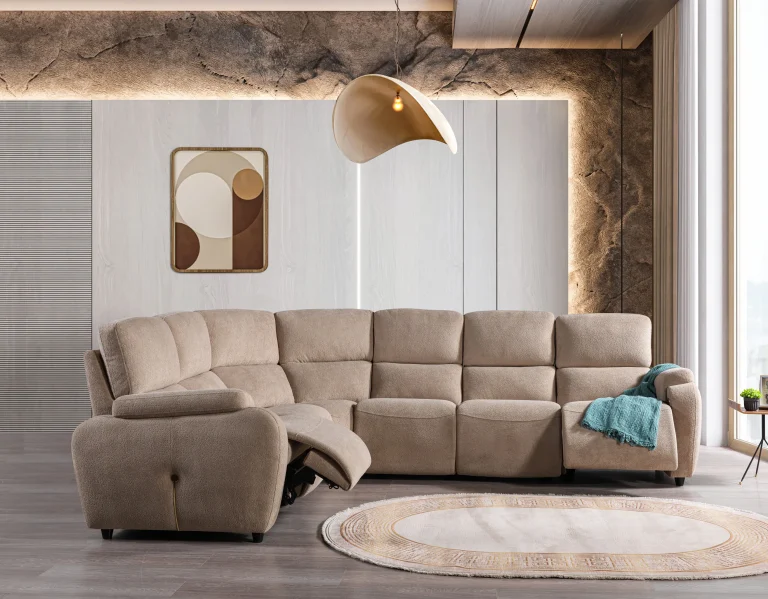
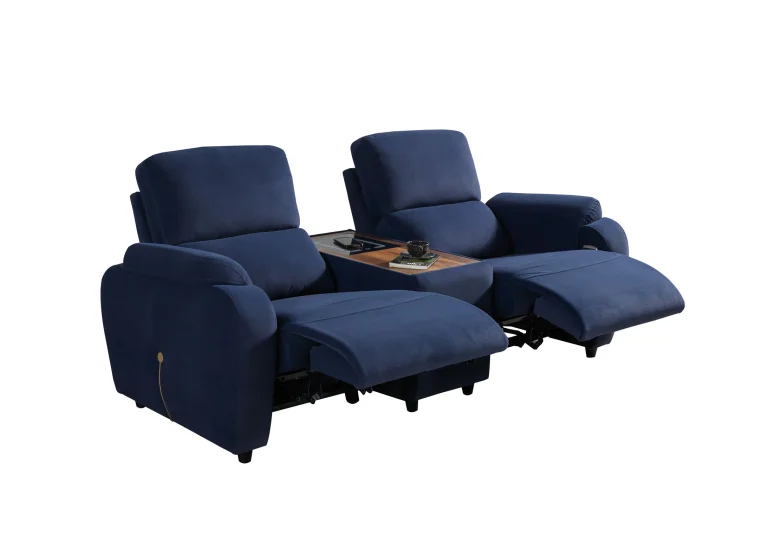
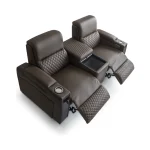
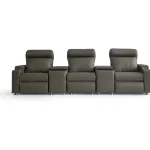
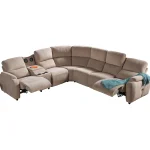
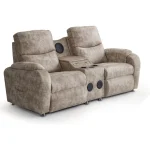
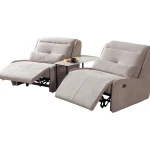
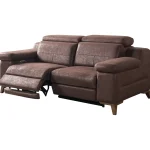
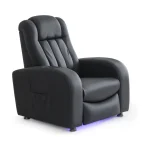
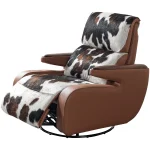
The collection includes single recliners, double seating, triple configurations and sofa-set options. The available product range can change as new versions are introduced, so visitors should consult the current website rather than rely only on older catalogues or previously saved product lists.
Official product collection: https://www.chairium.com/auditorium-chair-products
3. Search by Product Name, Series or Feature
A visitor may arrive at the website with a particular model name in mind. Another visitor may remember a series but not the exact product version. Some customers may instead be looking for a feature, such as a reclining mechanism or a particular seating configuration.
CHAIRIUM’s website provides a search facility for exploring versions, series and features. This can help visitors narrow their search when the product range contains several related models.
Using a precise product name is often the easiest approach. If the visitor does not know the model name, searching by a known series or feature can provide an alternative route. The results should then be checked against the individual product page to ensure that the correct version has been identified.
4. Understand the Difference Between a Series and a Product Version
A product series and an individual product version are not necessarily the same thing. A series may contain more than one version, and those versions can have different configurations or specifications.
For example, a customer researching the Anika series may encounter single and double seating versions. It is important to identify the exact version before requesting technical details or preparing a quotation.
This distinction is especially relevant for professional buyers, architects and project specifiers. Referring only to a series name may not provide enough information to identify the intended product accurately.
When contacting CHAIRIUM, visitors should include the full product or version name wherever possible. If they are unsure, they can provide a link or screenshot of the model they have found on the official website.
5. Read Individual Product Pages Carefully
An individual product page is one of the most useful resources for anyone comparing seating models. It can provide the product name, photographs, available configurations, key features and technical information relevant to that particular version.
Visitors should review the entire page rather than relying only on the main photograph. A product image communicates the design, but the written information helps explain the model’s functions and options.
For example, the official Anika VIP Double product page presents motorized reclining, standard cup holders and USB ports, together with configuration and upholstery information. These details belong to that product’s published specification and should not automatically be applied to other models.
Product page: https://www.chairium.com/products/anika-vip-double-2023-ed-vip-recliner-seats
6. Compare Models According to the Actual Requirement
Comparing products is more useful when it begins with a clearly defined requirement. A customer looking for one residential recliner may have different priorities from a cinema operator planning a larger seating installation.
Relevant comparison points may include the seating format, overall dimensions, reclining mechanism, upholstery, available options and intended application. The importance of each point depends on the project.
Visitors should avoid choosing a product solely because it looks similar to another model. Two chairs may have a comparable appearance while differing in their technical details or available configurations.
CHAIRIUM’s product pages provide a starting point for this comparison. Where information is not shown or where a particular option needs confirmation, the visitor should contact the company before making a final decision.
7. Explore the Available Seating Categories
The product collection can also be approached by seating category. Visitors may be interested in a single recliner, a two-seat arrangement, a triple recliner or a corner and sofa-set configuration.
Browsing by category is particularly useful when the visitor knows how many seating positions are required but has not selected a particular model. It can help create an initial shortlist before the technical and visual comparison begins.
For professional projects, the category should be considered together with the room plan and the intended use. A single chair, a double recliner and a larger sofa configuration occupy different amounts of space and create different seating arrangements.
CHAIRIUM’s official product collection allows visitors to explore these formats through the available product listings.
8. Review Product Photographs from More Than One Angle
Photographs are an important part of online product research. A main product image may show the overall design, but additional gallery images can help visitors understand the armrests, upholstery, side profile, seating configuration and other visible details.
When reviewing a product, visitors should look for more than one image if the official gallery provides them. A front view and a side view can communicate different aspects of the same chair.
Photographs should be treated as visual references rather than complete technical documentation. Dimensions, mechanisms and optional features should be confirmed through the written product information or directly with CHAIRIUM.
For project buyers, it can be useful to save the exact product page and identify the photographs that represent the desired configuration. This makes later communication more precise.
9. Use the E-Catalogue for Broader Product Research
A catalogue can be helpful when a visitor wants to review multiple models without opening each product page individually. It may provide an overview of product designs, configurations and selected specifications in a more consolidated format.
CHAIRIUM provides an E-Catalogue section on its official website. Visitors can use this resource as part of their initial research, particularly when comparing different product families or preparing a preliminary shortlist.
A catalogue should not automatically replace the current product page. Product versions and available options can change, and the latest online information should be checked before a specification or purchase decision is finalized.
Official E-Catalogue: https://www.chairium.com/e-catalog
10. Watch CHAIRIUM Videos to Understand Products Visually
Some product characteristics are easier to understand through moving images than through still photographs. A video may help visitors observe a chair’s appearance, movement or selected functions, depending on the footage available.
CHAIRIUM has a dedicated Videos section on its website. Visitors researching a particular model can explore this area to see whether relevant footage is available.
Videos can support product research, but they should be used together with the relevant product page. If a visitor needs confirmation about a specific mechanism, accessory or technical detail, the exact model specification remains important.
Official video section: https://www.chairium.com/videos
11. Explore CHAIRIUM’s Completed Project Gallery
A product photograph and a project photograph serve different purposes. A product image usually focuses on an individual chair, whereas a project photograph can show seating within a wider environment.
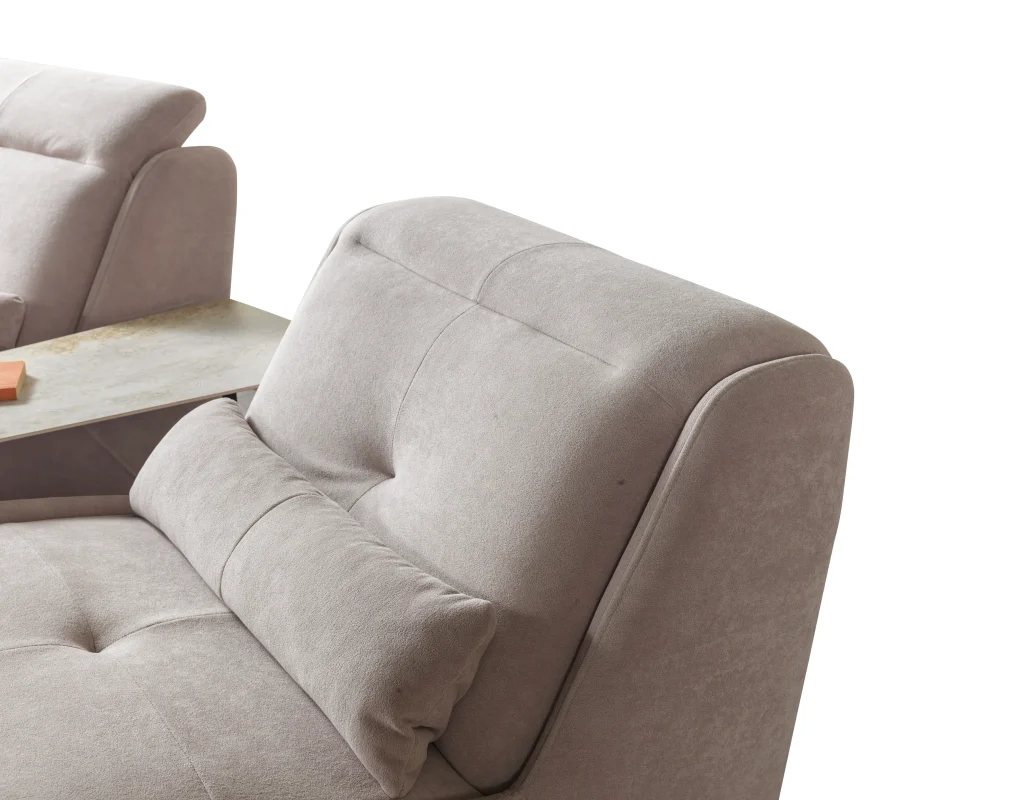
The Projects section on CHAIRIUM’s website provides a visual resource for visitors interested in how seating appears in completed installations. This can be particularly useful for architects, interior designers, commercial buyers and project owners.
When reviewing project photographs, visitors should consider the overall visual arrangement, the type of seating shown and the relationship between the furniture and the interior. They should not assume that every visible project configuration is automatically available as a standard product.
Official project gallery: https://www.chairium.com/projects
12. Discover Custom-Made Production Possibilities
Some customers may not find a standard product version that fully corresponds to their requirements. Their project may involve a particular design, a specific seating configuration or a custom-made item.
CHAIRIUM has a dedicated Custom-Made Production section explaining that custom-made auditorium, conference, cinema and theatre seating can be discussed with the company. The page also asks visitors to provide information about the item and the total quantity when making a custom-production enquiry.
This is important because a custom request needs more than a general statement such as “I need a different chair.” The visitor should explain what they want to produce, the intended application, the approximate quantity and any relevant reference material.
Custom-made production should always be discussed directly with CHAIRIUM so that the company can assess the specific request and explain the available possibilities.
Official customization page: https://www.chairium.com/custom-made-production
13. Visit the Factory Information Section
Some visitors want to understand the company behind the products before beginning a business discussion. They may be interested in the manufacturing location, production environment or the company’s approach to producing seating.
CHAIRIUM’s Factory section provides information about its factory in İnegöl, Bursa, Türkiye. The page also includes factory-related photographs and video resources.
For international buyers and project teams, this section can be a useful part of preliminary supplier research. It provides a direct route to information published by CHAIRIUM itself rather than relying entirely on third-party descriptions.
Visitors who wish to discuss a factory visit should use the company’s official contact channels to arrange the details.
Official factory page: https://www.chairium.com/auditorium-chair-factory-in-turkey
14. Learn About the Company and Its Background
Before entering into a commercial conversation, some visitors want to understand CHAIRIUM’s company profile, experience and areas of activity.
The company information section provides background about CHAIRIUM and its seating business. It can help visitors understand the brand’s focus on recliner seating, cinema and theatre furniture, project work and international business relationships.
This information may be relevant to furniture dealers, project specifiers, architects, cinema operators and other professional visitors who are researching potential suppliers.
Company information should be read together with the product and project sections. This gives a more complete picture of the company’s published activities and the types of seating solutions it presents.
Official company information: https://www.chairium.com/auditorium-chair-cinema-chair-manufacturer-company/who-are-we
15. Prepare the Right Information Before Requesting a Quotation
A clear enquiry can make the communication process more productive. Instead of sending only a general request for prices, visitors should explain what they are looking for and provide the information needed to understand the requirement.
For an individual product enquiry, it is useful to include the model name, product page link, preferred configuration and any questions about the specification.
For a larger project, the visitor may also provide the type of venue, estimated quantity, location, room information, preferred materials and any available drawings or reference photographs. Not every detail needs to be finalized before the first enquiry, but a clear description helps CHAIRIUM understand the request.
The official website provides a Request a Quote route for visitors who want to discuss a product or project.
16. Use the Official Contact Channels
After researching the products and preparing the enquiry, visitors can contact CHAIRIUM through the channels provided on its website.
The contact section is relevant to individual customers, project owners and professional buyers who need further information. It provides a route for discussing product details, project requirements and other questions that may not be fully answered by the online information.
Visitors should use the contact details published on the official website and make sure that their enquiry includes a clear subject. If the question relates to a particular product, including the exact product page link can help identify the intended model.
Official contact page: https://www.chairium.com/contact-chairium-auditorium-chairs-manufacturer
17. Make Your Enquiry Useful for International Business
CHAIRIUM’s website is accessible to visitors researching seating from different countries. International customers may include furniture retailers, importers, distributors, interior designers, cinema operators and project procurement teams.
An international enquiry should explain the country and destination of the project, the type of product required, the estimated quantity and the intended application. If the visitor is a business buyer, it may also be helpful to describe the company and the nature of the proposed cooperation.
Visitors should request confirmation of commercial details, delivery arrangements, documentation and any country-specific requirements directly from CHAIRIUM. These matters can depend on the product and the individual order, so they should not be assumed from general website information.
18. Build a Clear Product Shortlist Before Making a Decision
After exploring the website, visitors may have several possible models in mind. The next step is to create a shortlist that makes comparison easier.
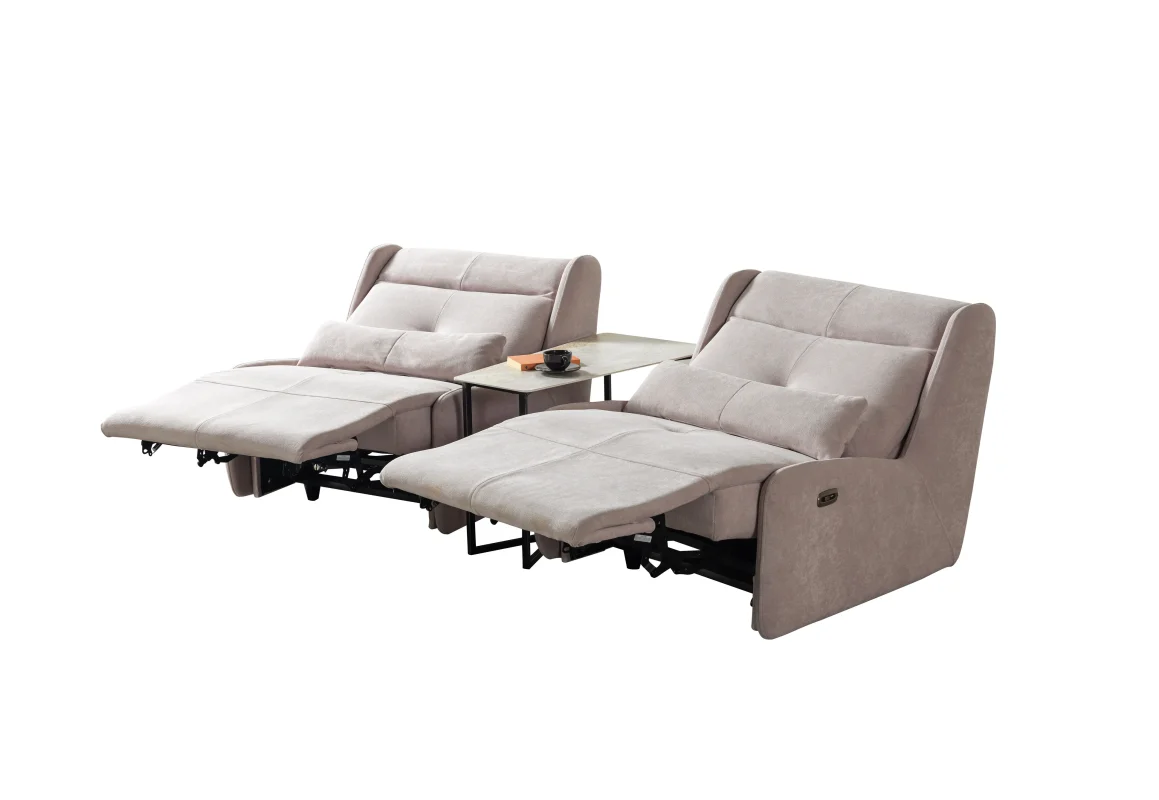
A useful shortlist can include the exact model name, product page link, seating format, published dimensions, preferred upholstery and any questions that still need clarification. For a project, the shortlist can also include the estimated number of seats and the intended location of each seating group.
This approach helps prevent confusion between similar product names or different versions of the same series. It also makes it easier to communicate with CHAIRIUM and request information about the correct products.
The final selection should be based on confirmed product information and the requirements of the actual project.
19. Keep Official CHAIRIUM Resources as Your Main Reference
Online searches may lead visitors to product photographs, copied descriptions or older information published on different websites. While such material may sometimes help with initial discovery, the official CHAIRIUM website should remain the main reference for current product information.
The company’s homepage, product pages, catalogue, videos, project gallery, factory section and contact page provide connected resources for researching its seating solutions.
When a visitor finds a product through another channel, it is useful to locate the corresponding official CHAIRIUM page and confirm the model name and details there. This helps reduce the risk of confusing different versions or relying on outdated descriptions.
20. Start Your CHAIRIUM Journey from the Official Website
Finding the right seating solution is a process that can begin with a simple product search and develop into a detailed project discussion. Some visitors need one recliner for a private space, while others are researching cinema seating, auditorium furniture, custom-made production or a wider commercial requirement.
CHAIRIUM provides several ways to explore its products and company information. Visitors can browse collections, examine individual product pages, review photographs, watch videos, consult the E-Catalogue, explore completed projects and contact the company about a specific requirement.
The most useful starting point is to identify what you need, explore the relevant official CHAIRIUM pages and prepare a clear enquiry. Whether you are an individual customer, a designer, a furniture buyer or a project owner, the company’s website provides a direct route to continue your research.
Explore CHAIRIUM: https://www.chairium.com/
Browse Products: https://www.chairium.com/auditorium-chair-products
View Projects: https://www.chairium.com/projects
Explore Custom-Made Production: https://www.chairium.com/custom-made-production
Watch Videos: https://www.chairium.com/videos
Request Information: https://www.chairium.com/contact-chairium-auditorium-chairs-manufacturer
SEO Information
SEO Title: How to Explore CHAIRIUM: Products, Catalogue, Projects and Contact
Meta Description: Discover how to explore CHAIRIUM products, recliner collections, model pages, project gallery, factory information, videos, E-Catalogue and enquiry options.
Suggested URL Slug: how-to-explore-chairium-products-catalogue-projects-and-contact
Primary Keyword: CHAIRIUM official website
Supporting Keywords:
CHAIRIUM products, CHAIRIUM recliner catalogue, CHAIRIUM product collections, CHAIRIUM product pages, CHAIRIUM E-Catalogue, CHAIRIUM videos, CHAIRIUM projects, CHAIRIUM factory, CHAIRIUM custom-made production, CHAIRIUM contact, recliner manufacturer information, VIP cinema seating catalogue, auditorium chair manufacturer, cinema recliner products, custom seating enquiries, recliner product specifications, CHAIRIUM international enquiries, CHAIRIUM seating solutions.