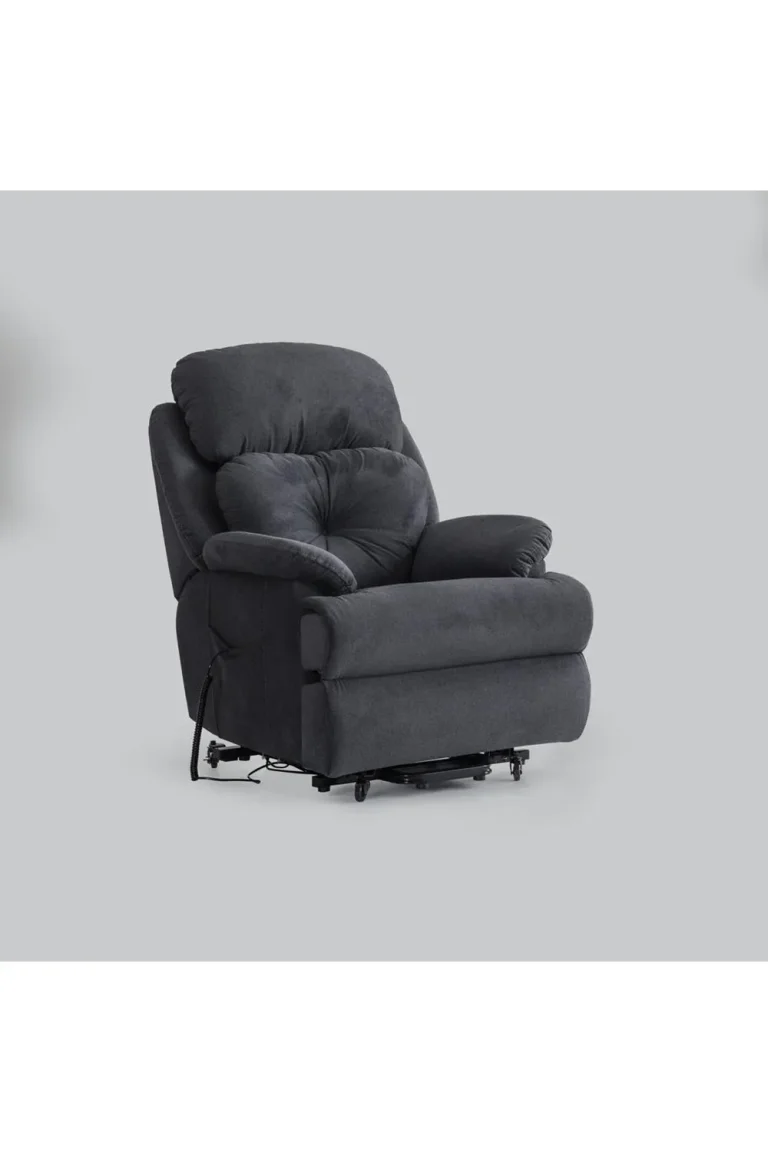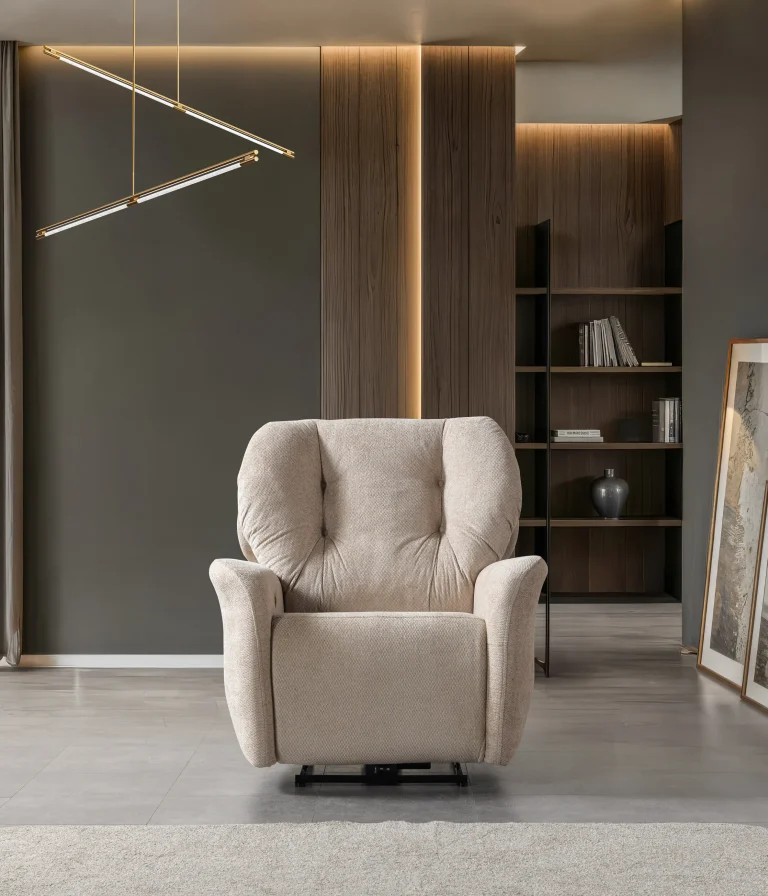



Introduction: Making Product Information Easier to Understand
Choosing premium seating is not simply a matter of finding a chair that looks attractive. Customers also need to understand product versions, technical dimensions, seating configurations, upholstery alternatives, available functions and the relationship between individual models.
For international customers, furniture distributors, architects, interior designers, cinema operators and purchasing professionals, having access to organized product information is particularly important.
CHAIRIUM provides an electronic catalogue through its official website, bringing product series and their related versions together in a structured format.
The CHAIRIUM E-Catalog allows visitors to explore the collection, review series datasheets and investigate product information before contacting the company.
This article explains 18 practical ways to use the CHAIRIUM electronic catalogue and official product resources more effectively.
1. Start with the Official Electronic Catalogue
The first step is to visit the official CHAIRIUM E-Catalog page.
Rather than searching through unrelated product descriptions, customers can use this dedicated section as a central reference for exploring the manufacturer’s product range.
The catalogue provides access to series-based product information, downloadable PDF documents and online browsing facilities.
This is useful for both individual customers and professional buyers who want to organize their research before making an enquiry.
Official resource:
2. Understand the Difference Between a Product Series and a Product Version
One of the most important details when researching seating products is the distinction between a series and an individual version.
A product series groups related designs under a common product identity. Individual versions may differ in configuration, seating capacity, functions, dimensions or other characteristics.
For example, customers exploring the Mari series can investigate different versions rather than assuming that every Mari product has exactly the same configuration.
Understanding this distinction helps customers communicate more accurately when requesting technical information or quotations.
3. Use Series Datasheets to Examine Product Families
A series datasheet provides a more organized way to investigate related products.
Instead of collecting information from several unrelated pages, customers can consult the relevant series document and examine the versions presented within it.
CHAIRIUM’s E-Catalog provides downloadable series documents containing information about product versions, dimensions, options, colours and links to corresponding product pages.
This makes the catalogue particularly useful for customers comparing several alternatives within one product family.
4. Check the Exact Product Version Before Making an Enquiry
A product name alone may not always identify the exact configuration a customer wants.
For example, a series may include single, double or other seating arrangements.
When contacting CHAIRIUM, customers should refer to the exact version displayed on the website or in the relevant datasheet.
If possible, they should include the product link or a screenshot showing the selected version.
This simple step makes it easier for the customer and the company’s representative to discuss the same product.
5. Examine Product Dimensions Carefully
Dimensions are among the most important pieces of information in a seating project.
Customers should examine width, depth and height, while also considering the space required when a recliner is opened.
For commercial projects, the available room dimensions and planned seating arrangement may influence the selection of a particular model.
For residential projects, doorways, access routes, furniture placement and movement space may also be important.
Customers should use the relevant CHAIRIUM product datasheet and confirm the final model-specific measurements before completing their plans.
6. Understand the Importance of Seat Width and Overall Configuration
Overall product width and usable seating width are not necessarily the same measurement.
Armrests, shared armrests, centre modules and other structural components can influence the total dimensions of a seating arrangement.
For this reason, customers planning multiple seats should examine the complete configuration rather than calculating their space requirements using the width of a single seat alone.
CHAIRIUM’s product information can help customers identify the relevant configuration, while project-specific measurements should be confirmed directly with the company.
7. Compare Manual and Motorized Product Versions
The operating mechanism is another important characteristic to examine.
Some recliners use manual operation, while others use motorized reclining systems.
Customers should identify the operating method of the exact model they are considering.
They should also ask about remote controls, electrical requirements, movement functions and any additional operating features where relevant.
The CHAIRIUM product collections provide a starting point for exploring different product types.
8. Investigate Upholstery Information
Upholstery contributes to the visual appearance and practical suitability of a seating product.
Customers may be interested in fabric, artificial leather or genuine leather, depending on the model and available options.
The relevant product information should be examined before assuming that a particular material is available as standard.
Customers who have specific preferences should communicate their requirements to CHAIRIUM and request confirmation of the available alternatives for the selected version.
9. Explore the Colour Options
Colour selection is an important part of creating a consistent interior.
A customer may want seating that matches an existing cinema interior, residential decoration, hotel concept or commercial brand identity.
The electronic catalogue and product pages provide useful visual references for understanding the product’s appearance.
Where exact colour matching is important, customers should request confirmation and suitable material references directly from CHAIRIUM.
Screen images should be treated as preliminary references because display settings can affect how colours appear.
10. Distinguish Standard Features from Optional Features
A product photograph may show several functions or accessories, but this does not necessarily mean that every displayed feature is included in every version.
Customers should distinguish between standard equipment and optional features.
Depending on the product, the information to investigate may include:
- Motorized reclining mechanisms.
- USB connections.
- LED lighting.
- Massage functions.
- Tray tables.
- Cup holders.
- Additional accessories.
- Special upholstery alternatives.
The availability and configuration of these features should be confirmed for the exact model before an order is finalized.
11. Use Product Pages Alongside the Electronic Catalogue
The electronic catalogue and individual product pages serve complementary purposes.
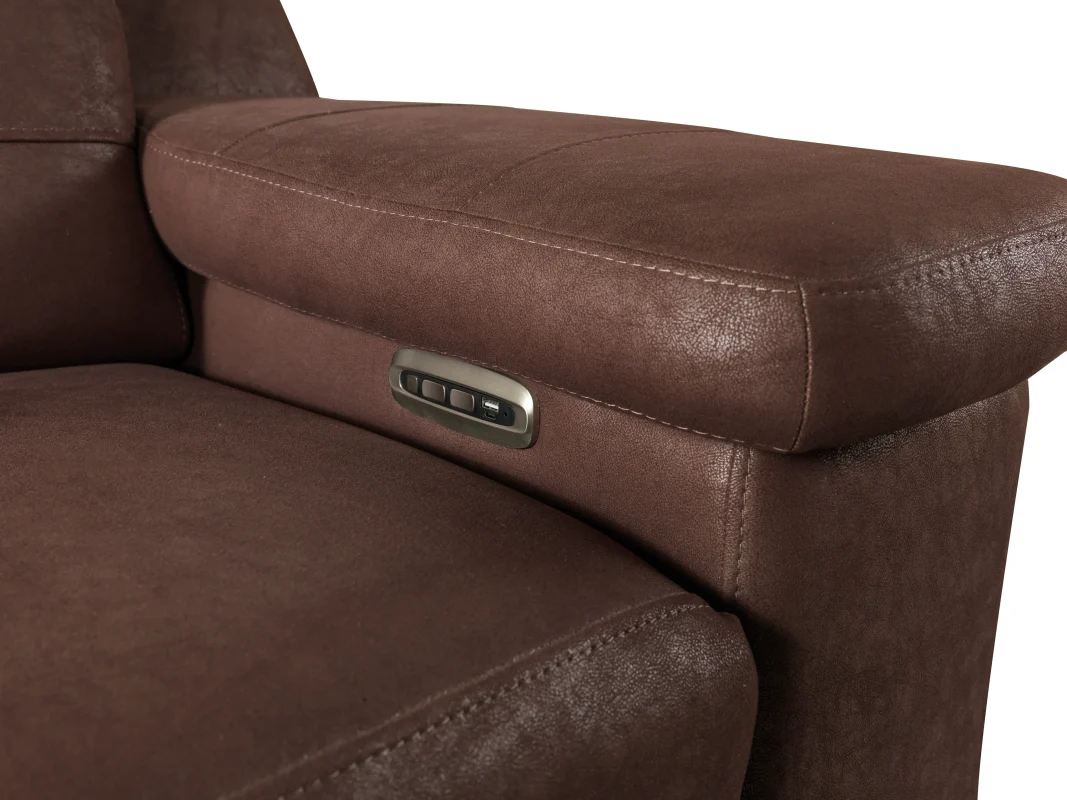
The catalogue helps customers understand the broader product family, while individual product pages provide a more focused view of a particular model.
A useful research process is to identify a product in the catalogue and then open its corresponding page.
For example, customers interested in VIP seating can explore the Mari VIP product page.
This page provides information about its motorized reclining mechanism, standard USB connection, configurations, upholstery alternatives and technical dimensions.
Combining these resources can make product research more structured and precise.
12. Examine Seating Configurations Before Planning a Complete Space
A single recliner, a double configuration and a multiple-seat arrangement may serve different purposes.
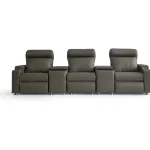
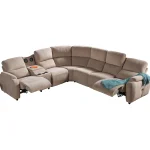
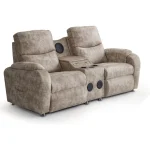
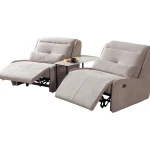
Customers should examine whether their intended project requires independent armrests, shared armrests, a centre module or another configuration.
For cinema and entertainment projects, the relationship between seating arrangements and the overall room layout is particularly important.
For residential applications, the customer may be more interested in the relationship between individual recliners and other furniture.
CHAIRIUM’s product information provides a starting point for identifying the relevant possibilities.
13. Use Product Videos to Complement Written Specifications
Technical descriptions explain important product characteristics, but some details are easier to understand visually.
CHAIRIUM has an official video section featuring selected recliner models.
Customers can use these videos to investigate product appearance and observe certain operating functions.
The video collection can be accessed here:
A useful approach is to watch the relevant product video, examine the corresponding datasheet and then contact CHAIRIUM with any remaining technical questions.
14. Prepare a Product Comparison Without Confusing Different Versions
When comparing several products, customers should organize the information using consistent criteria.
For example, they may compare:
- Product series and version.
- Single or multiple-seat configuration.
- Overall dimensions.
- Manual or motorized operation.
- Upholstery alternatives.
- Standard functions.
- Optional features.
- Available colour choices.
- Intended application.
The purpose is not simply to find the product with the longest list of features.
It is to understand which model and configuration correspond most closely to the actual requirement.
15. Share Catalogue References with Architects and Project Teams
The CHAIRIUM electronic catalogue can also support communication between different professionals involved in a project.
Architects, interior designers, procurement teams and project managers may need to discuss the same product information.
A catalogue PDF or individual product link provides a common reference.
When sharing a product with colleagues, customers should include the relevant version and identify any measurements or options that require confirmation.
This can help reduce misunderstandings during design discussions and purchasing preparation.
16. Ask CHAIRIUM for Clarification When Information Is Incomplete
Not every project can be resolved through a catalogue alone.
A customer may require a particular dimension, an alternative configuration, a material reference or confirmation of a product-specific function.
In such cases, direct communication with CHAIRIUM is the appropriate next step.
Customers can explain which series and version they have reviewed and specify exactly which information they need.
The official contact page provides the company’s published communication details and enquiry facilities:
A clear, product-specific question makes the discussion more productive.
17. Request a Project-Specific Quotation Using the Correct References
A quotation request becomes more useful when it identifies the actual product and project requirements.
Customers should provide the following information where available:
- Product series and exact version.
- Required quantity.
- Seating configuration.
- Preferred upholstery.
- Colour preferences.
- Requested functions and accessories.
- Project location.
- Delivery requirements.
- Relevant drawings or measurements.
If the customer is still comparing alternatives, this can also be explained in the initial enquiry.
CHAIRIUM can then review the information and clarify the details needed to prepare an appropriate proposal.
18. Keep the Official Catalogue as a Continuing Reference
Product research does not necessarily end when a customer identifies a suitable model.
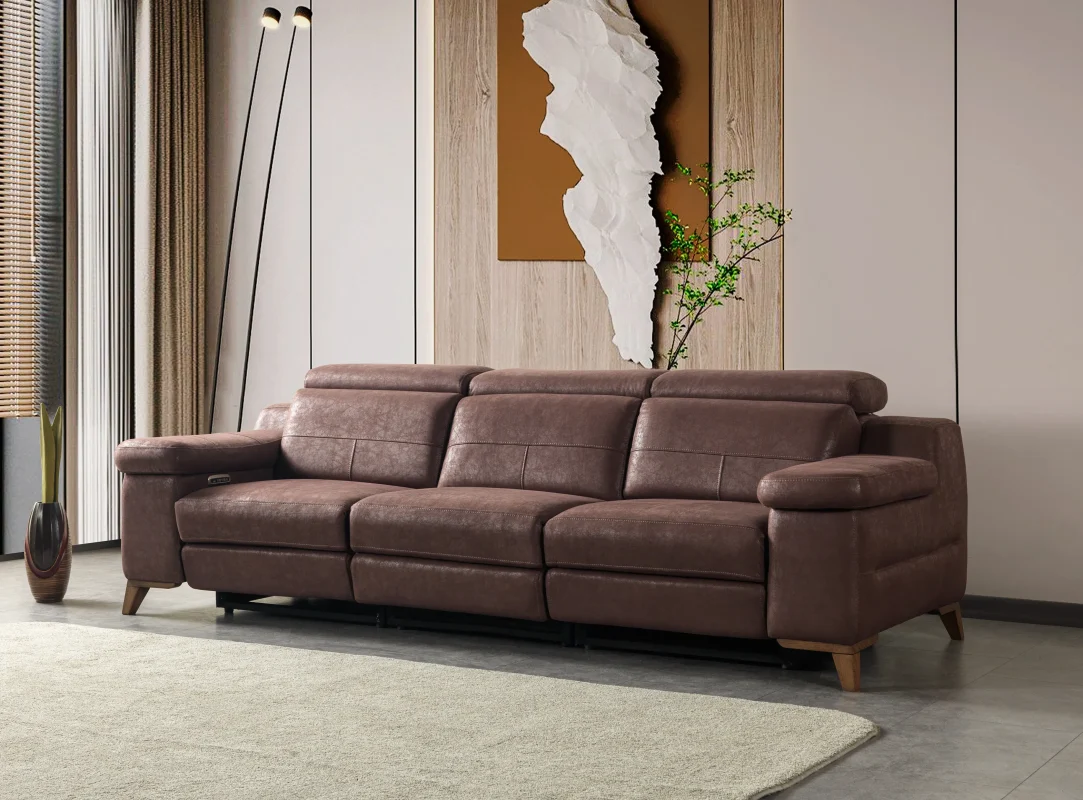
A project may develop, quantities may change, additional seating may be required or a different product version may become relevant.
Returning to the official CHAIRIUM website allows customers to continue reviewing the available product resources and identify the information relevant to their next decision.
Customers should also check the current catalogue and latest product datasheets rather than relying exclusively on previously downloaded documents.
The official website remains the central reference for exploring CHAIRIUM products and contacting the company about new requirements.
Frequently Asked Questions About the CHAIRIUM E-Catalog
1. Where can I find the CHAIRIUM electronic catalogue?
Visit https://www.chairium.com/e-catalog.
2. Can I download product datasheets?
The E-Catalog provides downloadable PDF series datasheets for the products listed there.
3. What information can I find in a series datasheet?
Depending on the series, the documents include product versions, dimensions, available options, colours and links to individual product pages.
4. Why should I identify the exact product version?
Different versions within a series may have different configurations or characteristics. Identifying the exact version helps prevent misunderstandings.
5. Can I ask about a different upholstery or colour?
Yes. Customers can contact CHAIRIUM to discuss the material and colour alternatives available for the selected model.
6. Can I use the catalogue for a commercial cinema project?
Yes. It can be used as an initial product reference when investigating VIP cinema seating and related configurations.
7. Can international customers use the catalogue?
Yes. The online catalogue and downloadable documents provide a way to research products remotely.
8. What should I do if a technical detail is not clear?
Contact CHAIRIUM with the product name, version and relevant question so the company can clarify the information.
Explore CHAIRIUM Product Information Directly
A well-informed seating decision begins with understanding the product.
Series, versions, dimensions, mechanisms, upholstery and optional features should be considered together. The CHAIRIUM electronic catalogue helps customers organize this information and continue their research through individual product pages and direct company communication.
Whether you are purchasing one recliner, furnishing a private cinema, developing a VIP entertainment environment or preparing a larger commercial project, the official catalogue can provide a useful starting point.
Official CHAIRIUM Resources
- Official Website: https://www.chairium.com/
- Electronic Catalogue: https://www.chairium.com/e-catalog
- All Product Collections: https://www.chairium.com/auditorium-chair-products
- VIP Cinema Seating: https://www.chairium.com/products/vip-cinema-chairs
- Recliner Collections: https://www.chairium.com/products/tag/recliners
- Mari VIP Product Information: https://www.chairium.com/products/mari-vip-vip-recliner-seats
- Product Videos: https://www.chairium.com/videos
- Company Information: https://www.chairium.com/auditorium-chair-cinema-chair-manufacturer-company/who-are-we
- Contact and Project Enquiries: https://www.chairium.com/contact-chairium-auditorium-chairs-manufacturer
CHAIRIUM — Premium Recliner Seating, VIP Cinema Chairs and Tailored Seating Solutions.
Discover the collection, understand every product version and explore seating possibilities through the official CHAIRIUM website.