
Introduction
A successful furniture showroom does more than display products. It helps visitors understand different seating possibilities, compare designs, imagine products in their own environments and identify solutions that match their requirements.
For premium recliner seating and VIP cinema chairs, presentation is particularly important. Customers may want to examine upholstery, understand seating configurations, compare product dimensions or discover the differences between residential recliners and commercial cinema seating.
A well-organized presentation can make these decisions easier.
CHAIRIUM offers a range of recliner seating, VIP cinema chairs and tailored seating solutions for residential and commercial environments. Through its official website, visitors can explore product collections, review individual models, access catalogue information and contact the company about their requirements.
This article presents 18 practical principles for creating a more informative and customer-oriented seating showroom experience with CHAIRIUM. The suggestions are relevant to furniture retailers, showroom operators, interior designers, architects, project developers, cinema businesses and customers researching premium seating.
Table of Contents
- Define the Purpose of Your Seating Display
- Organize Products According to Customer Needs
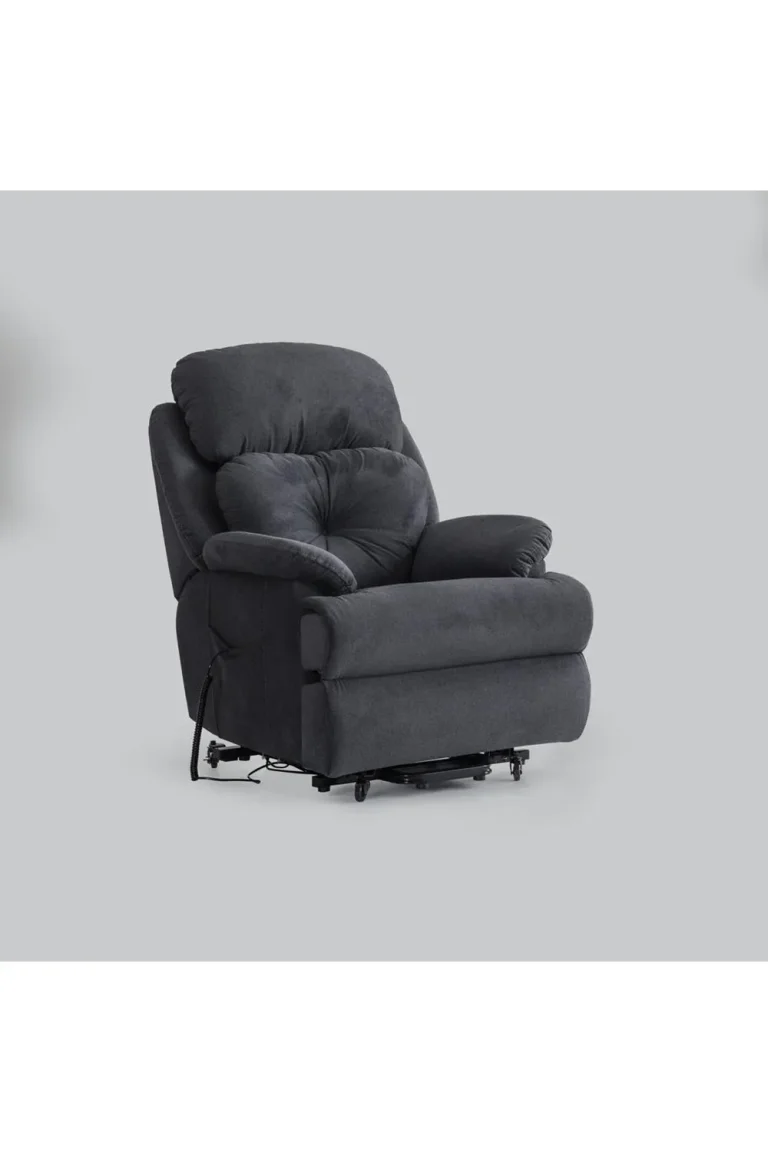
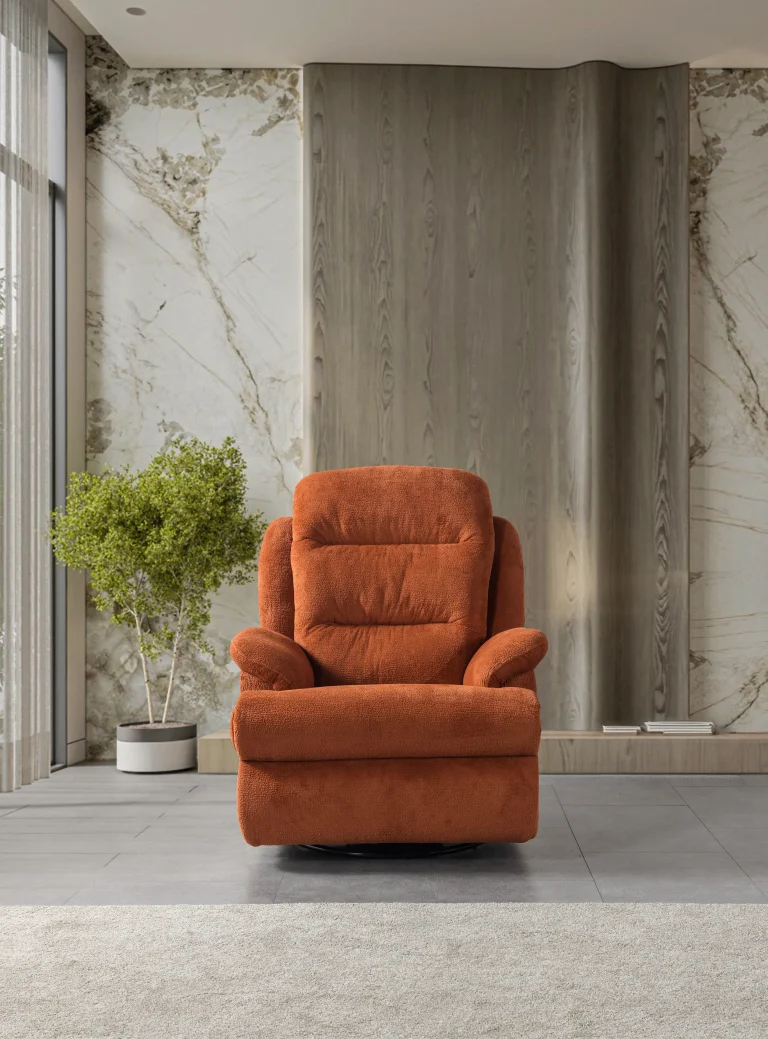
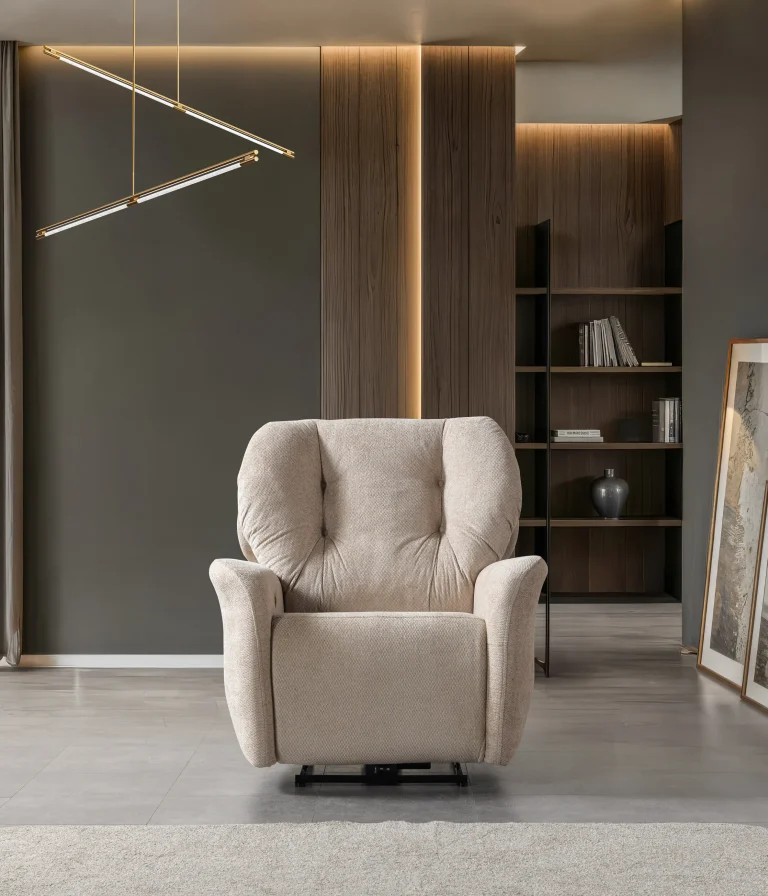
- Present Single Recliners as Individual Seating Solutions
- Demonstrate the Possibilities of Double and Triple Recliners
- Create a Dedicated VIP Cinema Seating Area
- Make Product Differences Easy to Understand
- Use Product Photography as a Visual Introduction
- Present Upholstery and Colour Choices Clearly
- Explain Reclining Mechanisms and Available Functions
- Give Customers Enough Space to Experience the Products
- Build Residential and Commercial Display Zones
- Use Product Information to Support Customer Decisions
- Connect Physical Displays with the CHAIRIUM Website
- Use the E-Catalog for More Detailed Product Presentations
- Prepare a Consistent Presentation for Project Customers
- Keep Product Information and Display Materials Updated
- Turn Customer Questions into Better Product Presentations
- Make CHAIRIUM an Accessible Starting Point for Seating Enquiries
1. Define the Purpose of Your Seating Display
Before selecting products for a showroom, it is useful to determine what the display is expected to achieve.
A showroom designed for residential furniture buyers may focus on comfort, appearance, upholstery and room compatibility. A commercial showroom serving cinema operators or hospitality businesses may need to communicate seating capacity, configurations, project requirements and product specifications.
The intended audience should influence the display.
Consider whether visitors are primarily:
- Homeowners searching for a living-room recliner.
- Customers planning a private cinema.
- Furniture retailers comparing product ranges.
- Interior designers preparing residential projects.
- Cinema operators evaluating VIP seating.
- Hotel and hospitality businesses.
- Commercial project developers.
- Distributors and professional furniture buyers.
A clearly defined purpose helps showroom operators choose suitable products and prepare relevant information.
CHAIRIUM’s product collections provide a starting point for identifying seating categories that correspond to different customer expectations.
Explore the official collection:
https://www.chairium.com/auditorium-chair-products
2. Organize Products According to Customer Needs
A showroom becomes easier to navigate when products are grouped according to their intended applications.
Instead of presenting every chair as an unrelated furniture item, retailers can create sections that help visitors understand the available solutions.
Possible display categories include:
- Single recliner seating.
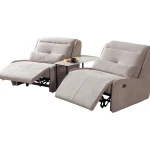
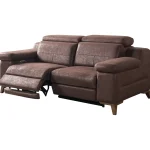
- Double recliner sofas.
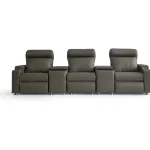
- Triple recliner configurations.
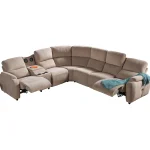
- Corner recliner arrangements.
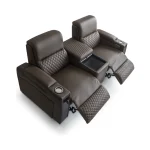
- VIP cinema seating.
- Home cinema furniture.
- Selected specialized recliner models.
- Custom project seating.
This structure allows customers to begin with their intended use and then explore suitable designs.
For example, someone furnishing a living room may first look at single or double recliners, while a cinema operator may prefer to begin with VIP seating.
CHAIRIUM’s official product collection makes it possible to explore different categories and product versions before deciding which models are most relevant to a physical display.
3. Present Single Recliners as Individual Seating Solutions
Single recliners can serve as useful starting points in a premium seating display.
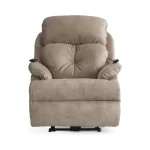
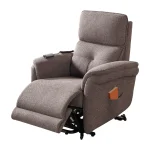
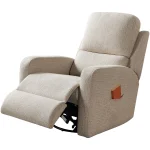
They allow visitors to examine a chair individually, observe its proportions and upholstery, and consider how it might fit into a living room, private entertainment space or other interior.
A showroom can present different single-seat designs to demonstrate how appearance, upholstery and operating arrangements may vary between models.
When discussing a particular recliner, customers should be encouraged to review its product-specific information rather than assume that every model includes identical functions.
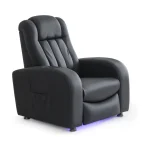
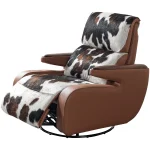
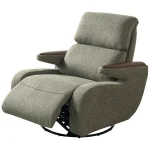
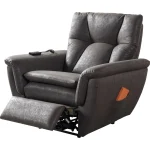
CHAIRIUM’s homepage features examples such as the Oscar Single Recliner and Star Single Genuine Leather Recliner. These models can help visitors begin comparing different visual approaches to individual seating.
Official website: https://www.chairium.com/
4. Demonstrate the Possibilities of Double and Triple Recliners
Not every customer is searching for an individual chair.
Families, couples and entertainment-room owners may prefer double or triple seating arrangements. Commercial buyers may also need to evaluate how multiple seats can be incorporated into a larger interior.
A showroom can demonstrate these possibilities by presenting different seating configurations together.
Useful comparison points include:
- Overall width and depth.
- Number of seating positions.
- Shared or separate armrest arrangements.
- Centre-console possibilities.
- Upholstery and colour coordination.
- Available reclining functions.
- Room dimensions and circulation space.
CHAIRIUM’s product portfolio includes double and triple recliner models, as well as selected corner and set configurations.
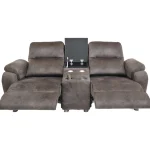
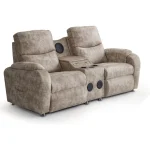
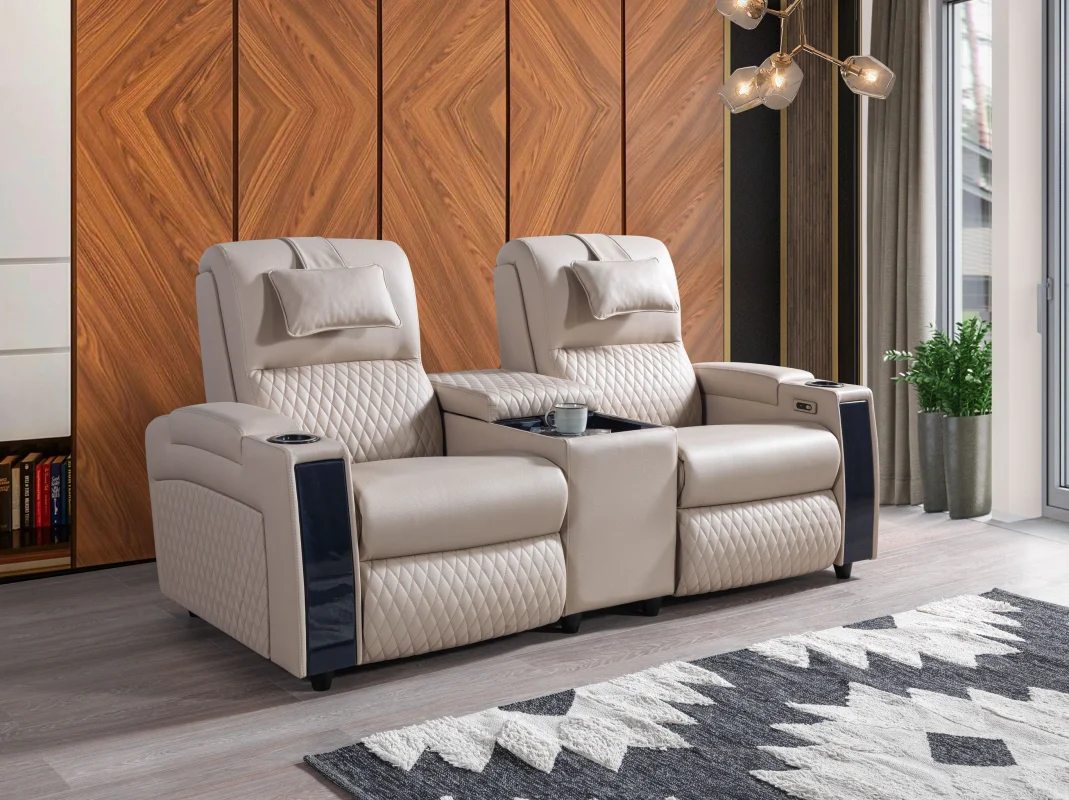
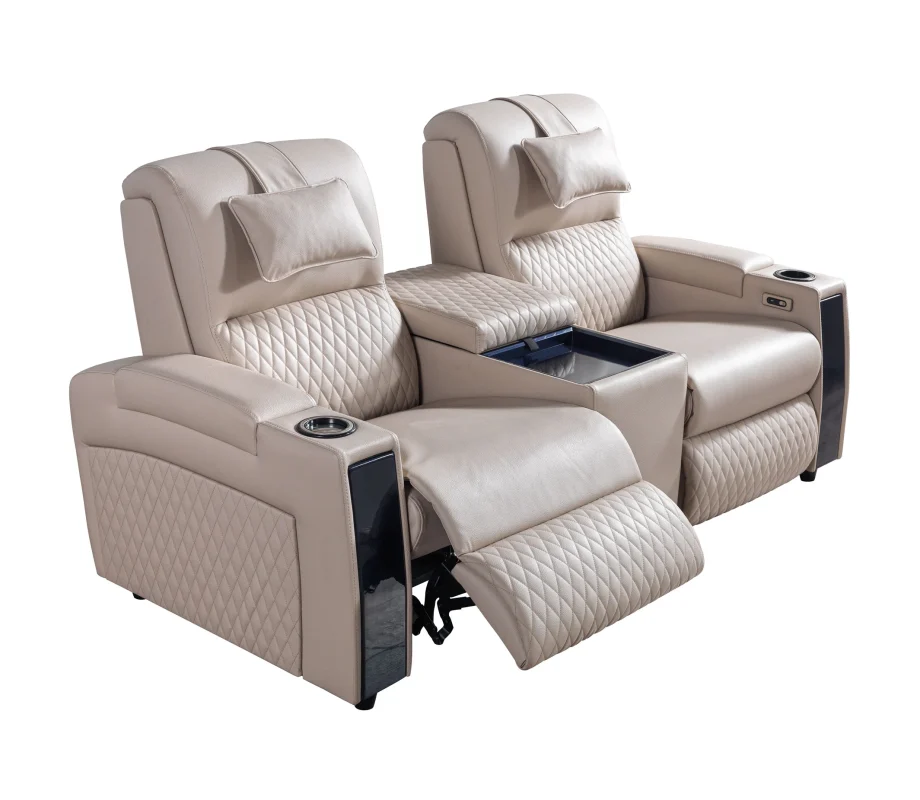
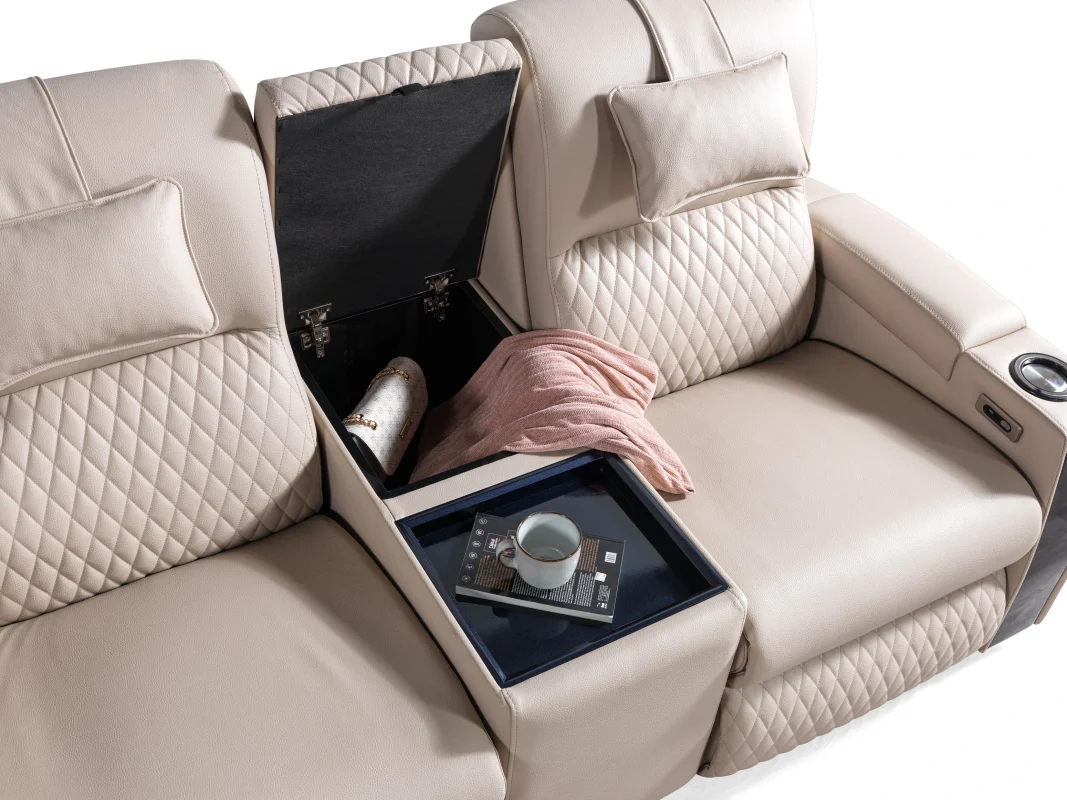
The Golden Double Recliner, for example, is presented on the official website as a two-seater recliner sofa with a centre console.
Product-specific dimensions and options should always be confirmed through the relevant product information or directly with CHAIRIUM.
5. Create a Dedicated VIP Cinema Seating Area
VIP cinema seating deserves a presentation that communicates its intended environment.
A dedicated display area can help visitors understand how premium cinema chairs differ from ordinary residential furniture. It can also provide a useful reference for cinema operators, private cinema planners and commercial project customers.
A VIP seating section may include:
- One or more representative VIP chair designs.
- Clear product identification.
- Available upholstery information.
- Relevant dimensions.
- Information about operating mechanisms.
- Details of model-specific accessories.
- Photographs showing possible auditorium applications.
The aim is not simply to display a chair. It is to help visitors imagine how the seating could contribute to a cinema or entertainment environment.
CHAIRIUM’s VIP cinema seating collection provides a starting point for exploring available models:
https://www.chairium.com/products/vip-cinema-chairs
6. Make Product Differences Easy to Understand
When a showroom contains several similar-looking products, visitors need clear information to understand the differences.
A comparison card or product information sheet can make the presentation more useful.
Depending on the selected models, the comparison may include:
- Product series and version.
- Seating configuration.
- Dimensions.
- Manual or motorized operation.
- Upholstery alternatives.
- Available accessories.
- Intended application.
- Model-specific technical details.
It is important to distinguish between standard features and optional equipment. A function available on one model should not automatically be presented as available on every other model.
For accurate information, showroom staff should refer to the relevant CHAIRIUM product page and catalogue documentation.
A transparent presentation builds realistic customer expectations and makes product discussions more productive.
7. Use Product Photography as a Visual Introduction
Product photography is often the first visual connection between a customer and a seating collection.
High-quality photographs can help visitors recognize a model, understand its general design and compare different upholstery or configuration choices.
For a showroom, product photographs can be used in:
- Printed product information.
- Display screens.
- Product comparison materials.
- Interior inspiration boards.
- Project presentation documents.
- Digital showroom catalogues.
Photographs should support the physical display rather than replace accurate product information.
When using CHAIRIUM imagery, retailers and project presenters should select the relevant original product photographs from the official CHAIRIUM website. Product names and image captions should correspond to the actual model shown.
Official product collection:
https://www.chairium.com/auditorium-chair-products
8. Present Upholstery and Colour Choices Clearly
The visual character of a seating product is influenced by more than its shape.
Upholstery, colour and material selection can affect how a chair relates to the surrounding interior.
Customers may be considering a neutral living room, a distinctive private cinema, a hotel lounge or a commercial entertainment venue. Each environment can have different visual requirements.
A useful showroom presentation should therefore help customers understand the available choices.
Where applicable, discussions may cover:
- Upholstery categories.
- Colour alternatives.
- Material appearance.
- Cleaning and maintenance considerations.
- Coordination with existing furniture.
- Suitability for the intended environment.
- Project-specific preferences.
CHAIRIUM presents tailored seating and project furniture possibilities through its official website. The available choices should be confirmed for the selected model and project.
Customers can begin by reviewing the company information and then discuss their preferred materials and colours directly with CHAIRIUM.
9. Explain Reclining Mechanisms and Available Functions
A recliner is not defined only by its appearance. Its operating mechanism and available functions are also important parts of the product experience.
Where a model can be demonstrated, showroom staff can explain how the reclining function operates and what the customer should expect from that specific version.
Relevant subjects may include:
- Manual or motorized operation.
- Remote-control operation, where provided.
- Backrest movement.
- Footrest movement.
- Available seating positions.
- Electrical requirements for applicable models.
- Optional accessories and functions.
The demonstration should always correspond to the actual model on display.
For example, the official CHAIRIUM homepage describes the Oscar Single Recliner as a motorized model operated by remote control, reclining up to 145 degrees. This information should not be generalized to other models without checking their individual specifications.
A clear explanation helps customers understand the product before making a purchasing decision.
10. Give Customers Enough Space to Experience the Products
The physical arrangement of a showroom can influence how easily visitors evaluate seating products.
A chair placed too close to other furniture may be difficult to inspect or demonstrate. Recliners also need appropriate space for their intended movement and operation.
When planning a display, consider:
- The product’s overall dimensions.
- Space required for reclining movement.
- Visitor circulation.
- Access to the controls.
- Visibility from different angles.
- Distance between display models.
- Safe access for staff and customers.
For multiple-seat configurations, the showroom should also consider how visitors approach and use the seating.
These are general display-planning principles. The exact space requirements should be established using the dimensions and installation information for each selected CHAIRIUM model.
11. Build Residential and Commercial Display Zones
A showroom serving different customer groups may benefit from separating residential and commercial presentation areas.
A residential zone can communicate how recliners may fit into living rooms, private cinemas and home entertainment spaces.
A commercial zone can focus on VIP cinema seating, hospitality interiors, project applications and multi-seat configurations.
This distinction helps visitors find relevant information without requiring them to understand the entire product range immediately.
Possible residential display themes include:
- Contemporary living rooms.
- Private home cinemas.
- Family entertainment areas.
- Premium apartment interiors.
- Personal relaxation spaces.
Possible commercial themes include:
- VIP cinema environments.
- Hotel and hospitality spaces.
- Private clubs.
- Entertainment venues.
- Contract furniture projects.
- Commercial interior developments.
CHAIRIUM’s positioning covers seating solutions from public spaces to private residences, making these two display perspectives useful ways to introduce the brand.
12. Use Product Information to Support Customer Decisions
A showroom presentation should make reliable information easy to access.
Visitors may want to know the product dimensions, available versions, upholstery options, operating mechanism or other model-specific details.
A useful information system can include:
- A clearly visible product name.
- A reference to the official product page.
- A short product description.
- Relevant dimensions.
- Available configurations.
- A list of confirmed features.
- A contact route for unanswered questions.
Staff should avoid making assumptions when a specification is not available.
Instead, they can identify the question and help the customer obtain confirmation from CHAIRIUM.
This approach is particularly useful for project customers who may need accurate information before preparing budgets, interior plans or purchasing documents.
13. Connect Physical Displays with the CHAIRIUM Website
A physical showroom and an official manufacturer website can complement one another.
The showroom allows visitors to experience selected products directly, while the website provides access to a broader collection and additional company resources.
A visitor who discovers one recliner in a store may later want to compare other models, examine different configurations or review product information.
For this reason, showroom materials can direct customers to the relevant CHAIRIUM website sections.
Useful official destinations include:
- Main website: https://www.chairium.com/
- Product collections: https://www.chairium.com/auditorium-chair-products
- VIP cinema chairs: https://www.chairium.com/products/vip-cinema-chairs
- Recliner collection: https://www.chairium.com/products/tag/recliners
- Electronic catalogue: https://www.chairium.com/e-catalog
- Videos: https://www.chairium.com/videos
These links allow customers to continue their research after visiting a showroom.
They also provide a common reference when a customer wants to discuss a specific product with a retailer, designer or manufacturer.
14. Use the E-Catalog for More Detailed Product Presentations
An electronic catalogue can be valuable when a customer wants to compare several models or prepare a more detailed project discussion.
CHAIRIUM’s E-Catalog provides access to series information and downloadable product datasheets.
It can be useful for:
- Comparing different product series.
- Reviewing available versions.
- Checking model-specific dimensions.
- Investigating available options.
- Sharing product references with project teams.
- Preparing a preliminary product shortlist.
The catalogue can also support showroom staff who need to explain the broader product range without displaying every model physically.
Customers should always check the latest available documentation and confirm any critical technical or commercial detail directly with CHAIRIUM.
Explore the official E-Catalog:
15. Prepare a Consistent Presentation for Project Customers
A residential customer choosing one recliner may need a relatively simple product discussion.
A cinema operator, hotel developer or interior design company may need a more structured presentation involving several models and project requirements.
For these customers, showroom operators can prepare a consistent information package.
A project presentation may include:
- The intended application.
- Preferred product categories.
- Approximate seating quantity.
- Proposed configurations.
- Relevant product photographs.
- Available dimensions.
- Upholstery preferences.
- Confirmed model-specific functions.
- Questions requiring manufacturer confirmation.
Where appropriate, customers can also provide room plans, drawings or reference images.
The objective is to establish a clear starting point for a project discussion, not to assume that every requirement can be resolved from a showroom display alone.
CHAIRIUM’s official contact page provides a route for customers to discuss their project requirements with the company.
16. Keep Product Information and Display Materials Updated
A showroom should be treated as an evolving customer-information environment.
Product collections, versions, catalogue materials and available information may change over time. Printed descriptions and digital presentations should therefore be reviewed periodically.
A practical update process can include:
- Checking product names and versions.
- Reviewing current product pages.
- Replacing outdated photographs.
- Updating catalogue references.
- Confirming technical information.
- Reviewing displayed options.
- Removing information that is no longer applicable.
- Checking that website links work correctly.
This is particularly important when several staff members use the same presentation materials.
Consistent and current information helps customers receive a more reliable explanation of the products.
The official CHAIRIUM website should be used as the primary online reference for current product information.
17. Turn Customer Questions into Better Product Presentations
Customer questions can reveal which information is missing from a showroom display.
Visitors may ask about dimensions, upholstery, reclining operation, cleaning, room suitability, product configurations or project possibilities.
If the same questions arise frequently, the showroom can improve its presentation by providing clearer information in those areas.
For example:
- Questions about dimensions may indicate a need for more visible specification sheets.
- Questions about product differences may indicate a need for comparison materials.
- Questions about upholstery may indicate a need for clearer material information.
- Questions about cinema applications may indicate a need for a dedicated VIP seating display.
- Questions about custom projects may indicate a need for a more direct contact route.
The purpose is to help visitors understand their options without making unsupported promises.
When a question concerns a model-specific technical detail or a commercial arrangement, the correct approach is to seek confirmation from CHAIRIUM.
18. Make CHAIRIUM an Accessible Starting Point for Seating Enquiries
A well-presented seating showroom can introduce customers to a brand, but the purchasing journey may continue through several channels.
Some visitors may first discover a product through a physical display. Others may find CHAIRIUM through a product collection, an electronic catalogue, a video or the company’s website.
A useful presentation strategy should make these different entry points easy to follow.
CHAIRIUM’s official website brings together product collections, company information, factory information, catalogue resources, videos and contact opportunities.
Visitors can use these resources according to their interests:
For product discovery:
https://www.chairium.com/auditorium-chair-products
For VIP cinema seating:
https://www.chairium.com/products/vip-cinema-chairs
For recliner models:
https://www.chairium.com/products/tag/recliners
For catalogue research:
https://www.chairium.com/e-catalog
For product videos:
https://www.chairium.com/videos
For company information:
https://www.chairium.com/auditorium-chair-cinema-chair-manufacturer-company
For factory information:
https://www.chairium.com/auditorium-chair-factory-in-turkey
For questions and project enquiries:
https://www.chairium.com/contact-chairium-auditorium-chairs-manufacturer
Whether someone is looking for a single recliner, a double seating arrangement, a private cinema solution, VIP auditorium chairs or a larger commercial project, the official CHAIRIUM website offers a central place to begin exploring the available possibilities.
Conclusion: A Better Showroom Begins with Clear Product Presentation
A premium seating showroom should help customers move from curiosity to understanding.
Product organization, accurate specifications, useful photography, clear demonstrations and accessible digital resources all contribute to a more informative experience.
For furniture retailers, interior designers, project developers and commercial buyers, a well-planned presentation can make it easier to introduce different seating categories and discuss customer requirements.
CHAIRIUM brings together premium recliner seating, VIP cinema chairs and tailored seating solutions for a variety of residential and commercial environments.
By combining physical product presentation with the official CHAIRIUM website, customers can discover models, compare collections, review catalogue resources and contact the company about individual or project-based requirements.
CHAIRIUM – Premium Recliner Seating, VIP Cinema Chairs and Tailored Seating Solutions.
Discover the collections and explore the possibilities at: